
AI asset tracking
InVirtus connects the Bluetooth tags, anchors and GPS trackers on your sites to Claude, ChatGPT, Copilot and other MCP-compatible AI assistants. Ask a question in plain English and the AI reads the live position of your assets and answers in seconds.
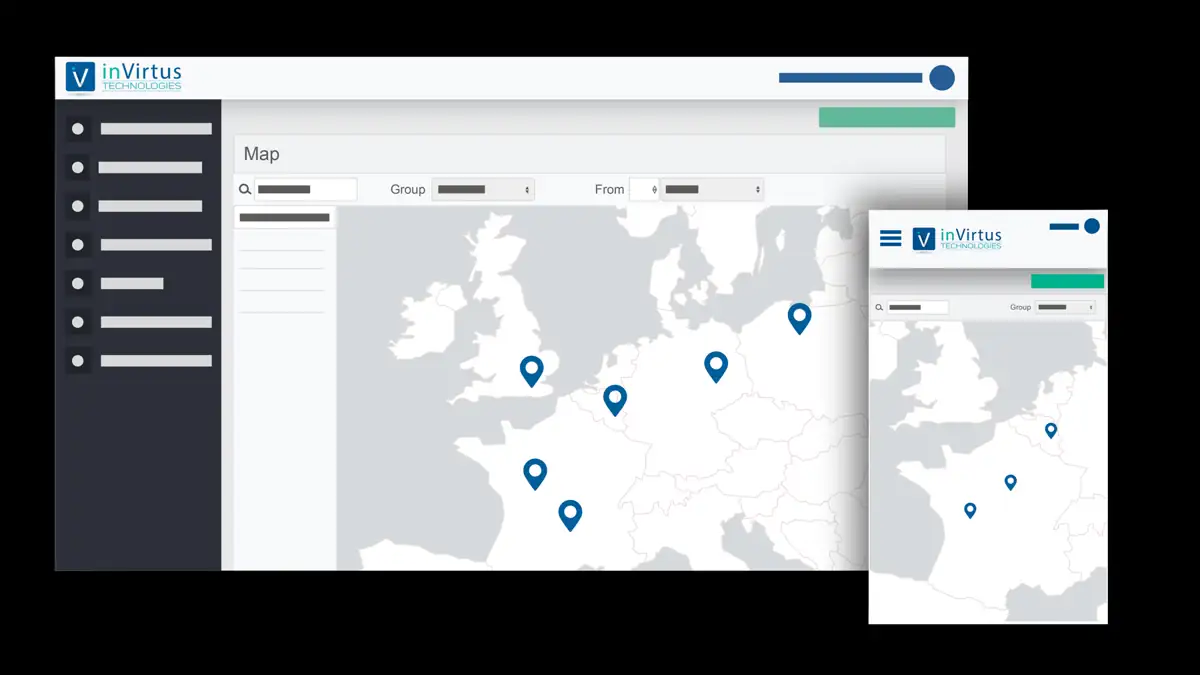
Asset tracking in the AI era
Your ERP knows an operation is finished. It does not know where the box of parts sits between two workstations, or how long it has been waiting.

Your eyes in the field
InVirtus tags and trackers continuously record where your tools, containers, carts and work orders are, indoors (Bluetooth Low Energy) and outdoors (GPS).
That location history is yours and exists nowhere else: waiting time per zone, container rotations, the route of every part. Connected to your AI, it becomes a source of answers: where, since when, how many and why.
Then put AI to work
Add the connector to Claude, ChatGPT, Copilot or another MCP-compatible assistant. Each user sees only the assets their profile allows.
Learn more →Your agentsYour planning agent, MES or in-house app calls the same connector or the InVirtus REST API.
Learn more →The shop floorE-paper display tags show part number, customer and due date, and turn red when the AI or your ERP says so.
Learn more →How it works: the MCP connector
The InVirtus connector brings your tracking data straight into the AI assistant your team already uses. No more opening dashboards: ask in your own words and get the answer in seconds.
| Work order | Current zone | Since |
|---|---|---|
| WO-5512 | Shipping | 2 h |
| WO-5513 | Shipping | 40 min |
| WO-5514 | Quality control | 5 h |
| WO-5517 | Machining, floor 1 | 2 d 3 h |
The connector in detail
What your AI assistant can do once the InVirtus connector is added.
Ask where equipment is, what a zone contains or how long a box has been waiting, without building a report.
The AI reads positions, history and zones, and can create an alert or update a field or a display tag.
Write actions enabled on requestTime per zone, idle assets, silent tags: the AI spots anomalies and suggests the next step.
Combine positions with SAP, MES or spreadsheet data in one conversation, with no custom integration.
Charts, inventory by zone and utilisation summaries built from your real data.
Open MCP protocol, sign-in with your InVirtus account, permissions per user profile.
Use-case catalogue
Three situations our customers hand to their AI. Nothing is sent or changed without your approval.
“Our production boxes get lost between two workstations.”We know an operation is done, not where the box is.
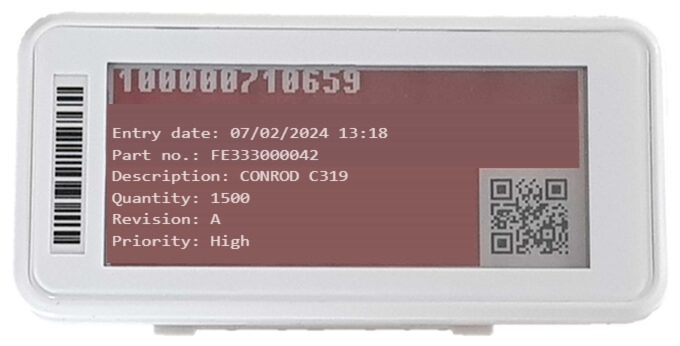
“There is always one box missing when we ship.”One order can split into ten work orders scattered across the shop.
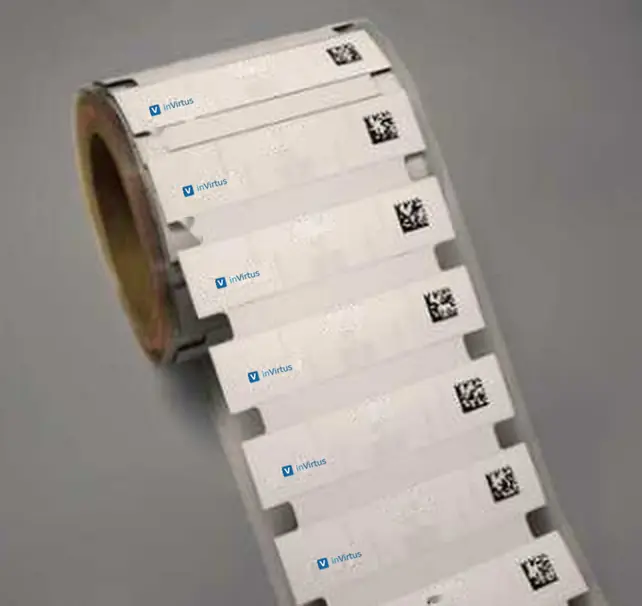
“Our containers sit idle at some customer sites.”Slow rotations and avoidable container purchases.

What's in it for you
Checking a position, creating a zone or pulling an inventory happens in the conversation, without switching apps.
Describe what you need: the AI prepares the alert, report or message, and you approve it.
Positions, ERP, MES and spreadsheets meet in a single question, with no integration project.
Example prompts
| You ask | The AI checks | You get |
|---|---|---|
| Where is metrology oscilloscope #12? | Tag's last position | Zone, floor and time of last signal |
| How long does part family A spend in rework? | Position history by zone | Average time per zone, as a chart |
| Alert me if a box stays more than 48 h in quality control. | Zones and alert rules | A new alert, sent by email or SMS |
| Which tags have not reported for 7 days? | Tag status | The list of tags to check |
| Where should anchors go for workstation-level accuracy? | Building floor plan | A proposed anchor layout |
The platform
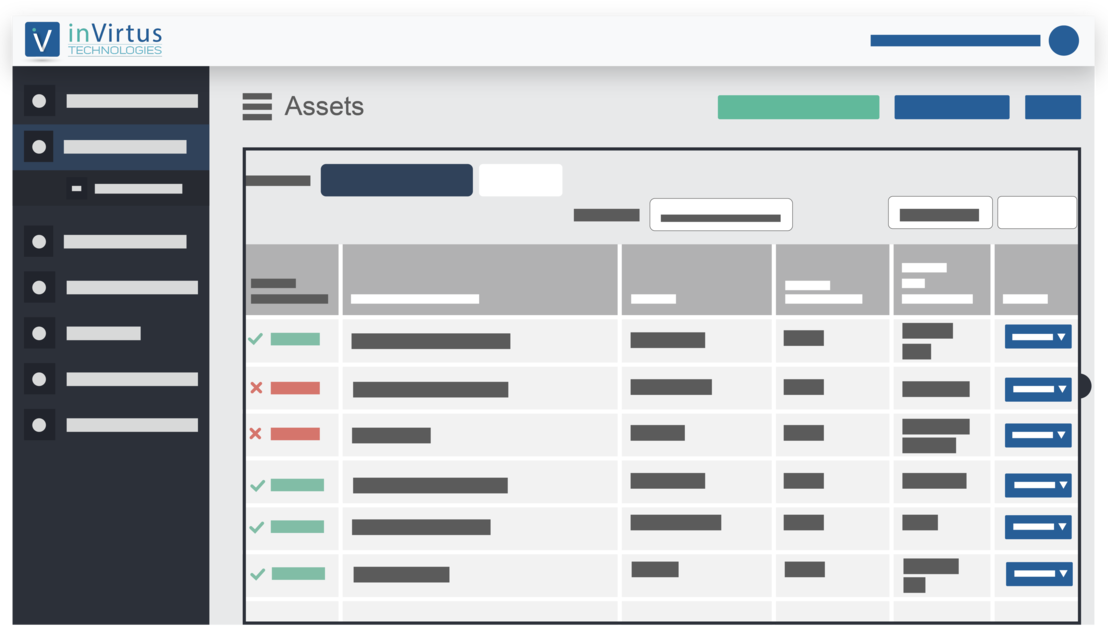
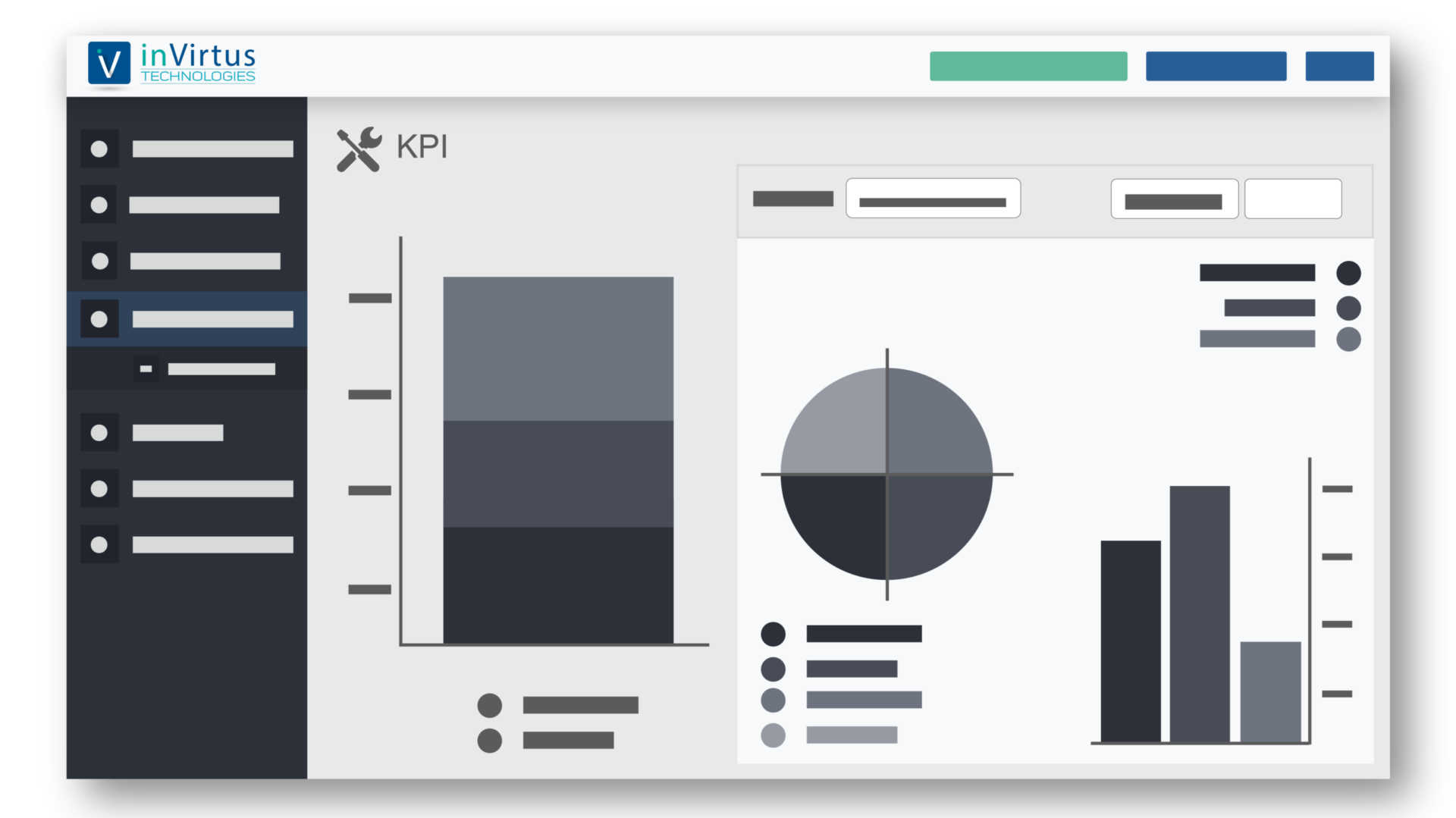
Everything the AI reads comes from the platform: floor plan or map, inventory by zone, alerts, history.
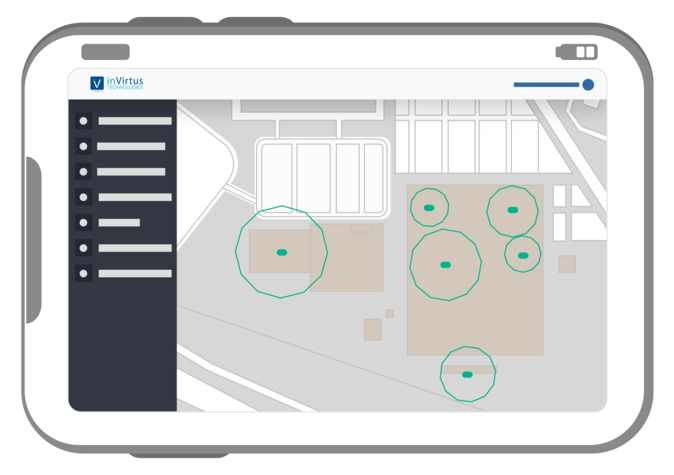
Getting started with InVirtus AI
Since 2018, InVirtus has designed its tags, anchors, trackers and platform in Nantes, France.
You send the building plan and the zones to track. We calculate how many anchors you need, and where, for the accuracy you want.
A few anchors and about ten tags on site for one to two days, to validate coverage before rollout.
Anchor installation, pairing tags with your assets or work orders, then adding the InVirtus connector to your AI assistant.
FAQ
It replaces dashboard browsing with plain-language questions, combines positions with your business data (orders, work orders, customers) and prepares actions: an alert, a label update, a report.
An MCP server that exposes InVirtus Cloud data (assets, positions, history, zones, tags) to an AI assistant. The assistant picks the right function to answer your question.
Claude, ChatGPT, Copilot and any assistant or agent that supports the open MCP standard.
Yes. For an asset fitted with an ivTrack tracker, the AI reads its last GPS position (typically accurate to 5–10 m) and its route. Indoors, location works zone by zone using Bluetooth Low Energy.
No. InVirtus integrates with your ERP or MES through its API, for example via SAP BAPIs. The AI can then combine both sources.
The user's profile permissions apply to the connector, and the assistant asks for approval before any action that changes data. Write actions are only enabled at your request.
Bring a real problem: a box nobody can find, a flow that keeps stalling. We will show you what your AI says about it, using your data, in a free study.

